2kDownloader
As an HD video downloader suitable for almost all video sharing sites including but not limited to YouTube, Facebook, Netflix, Vimeo, Vevo, CBS, Twitter, Lynda, Instagram, Dailymotion, jibjab, Break, Metacafe, AOL, Veoh, ideoBash.
User Guide
Using Guide for 2kDownloader
As an HD video downloader suitable for almost all video sharing sites including but not limited to YouTube, Facebook, Netflix, Vimeo, Vevo, CBS, Twitter, Lynda, Instagram, Dailymotion, jibjab, Break, Metacafe, AOL, Veoh, VideoBash, 2kDownloader has fast download speed, high accuracy rate and low quality loss. It can support batch downloading of videos on Windows computers. In addition, it also provides downloading of the entire playlist, one-click conversion and output to commonly used formats including but not limited to mp4, mov, mp3, webm, wma, etc.
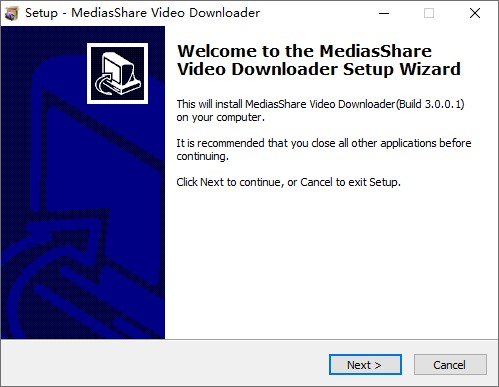
Step 1 Download and Install 2kDownloader
First download and install 2kDownloader. Installation is as simple as dragging the installation file to Applications, and in a few seconds, it will be done.
Step 2 Launch 2kDownloader
Run the program and then you'll see a main interface as the image shown. This video downloader for PC allows you to downloader videos in easy steps.
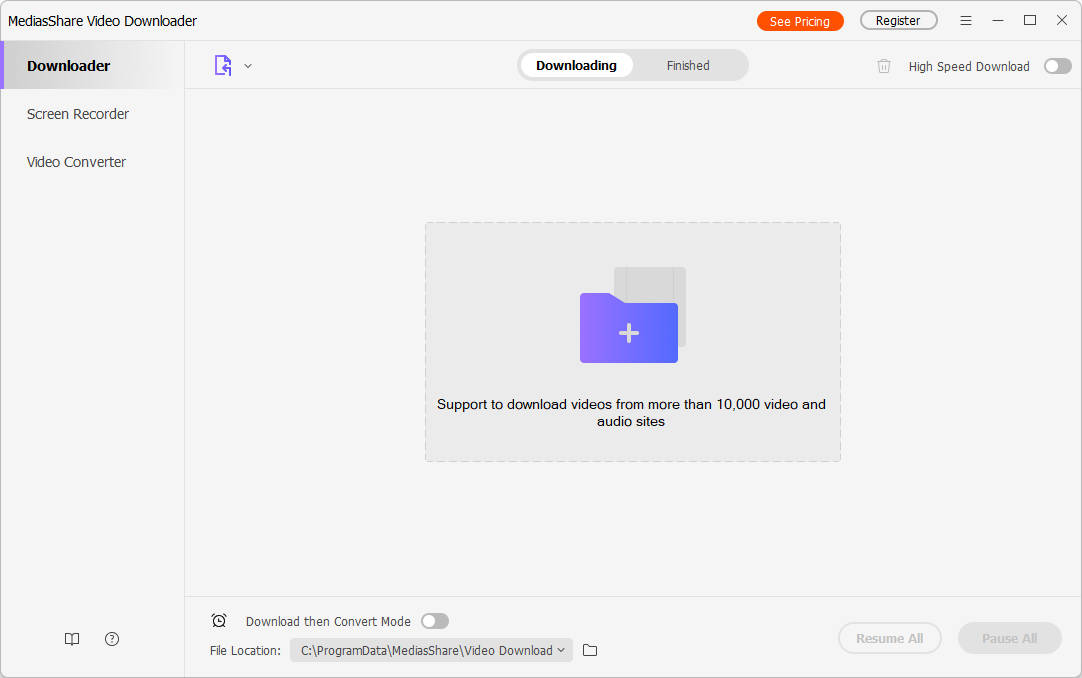

allows you to download videos from more than 10,000 video-sharing sites (explicit), including YouTube, Facebook, Netflix, Vimeo, Vevo, CBS, Twitter, Lynda , Instagram, etc.